
Download Bluetooth Driver Installer – bluetooth driver installer, bluetooth fix, bluetooth connection, bluetooth device, bluetooth sync, bluetooth tool, bluetooth utility
Overview
Bluetooth Driver Installer is a compact utility designed to address common Bluetooth connectivity issues on Android devices. The app targets users experiencing difficulties detecting or pairing Bluetooth devices, such as headphones, speakers, smartwatches, or car audio systems. By streamlining the driver configuration process, it helps restore functionality without requiring advanced technical knowledge. The application is particularly useful in scenarios where a device fails to recognize a Bluetooth peripheral despite being in range and properly paired.
Developed by Thomas P. Larson, the app positions itself as a lightweight solution for troubleshooting Bluetooth synchronization problems. Its primary purpose is to re-establish proper driver recognition for Bluetooth hardware, enabling devices to connect and communicate effectively. The app is intended for everyday users who rely on wireless connectivity for calls, media playback, or data transfer. It may also be helpful for individuals using older Android devices that may have outdated or corrupted Bluetooth drivers.
Bluetooth Driver Installer operates within the broader ecosystem of system utilities, offering a focused tool for a specific hardware issue. While it does not replace official system updates or manufacturer-specific drivers, it provides a quick workaround for users unable to access such resources. The app’s emphasis on system safety through pre-change backups adds a layer of reliability, making it a potentially valuable tool for users seeking a fast, low-risk fix.
Key Features & Functionality
- Driver Reconfiguration: Automatically detects and reinstalls Bluetooth drivers to resolve connection failures.
- Device Compatibility: Designed to work with a wide range of Bluetooth-enabled peripherals, including headphones, speakers, and wearables.
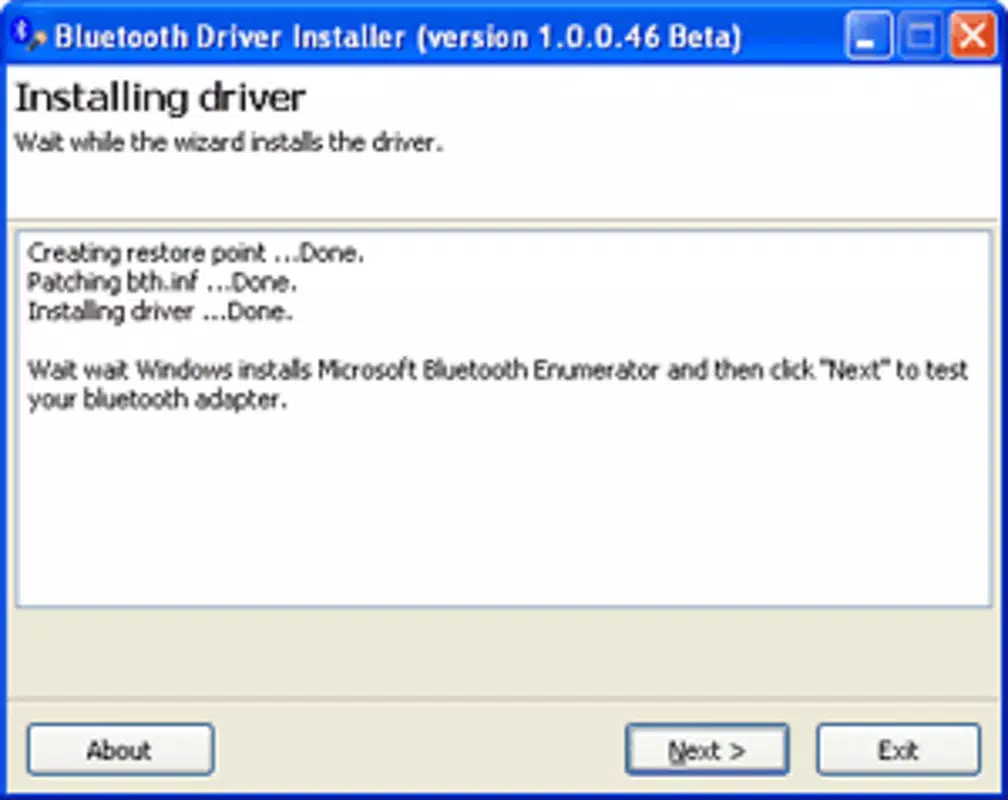
- Backup System: Creates a system state backup before applying changes, allowing users to revert if issues arise.
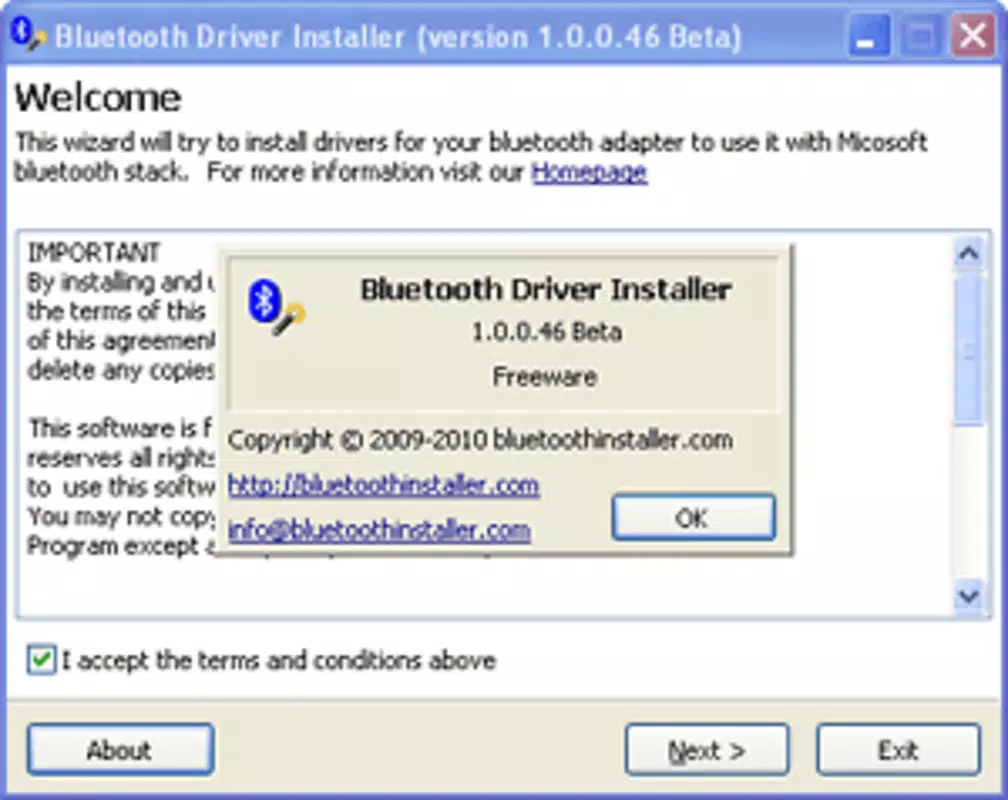
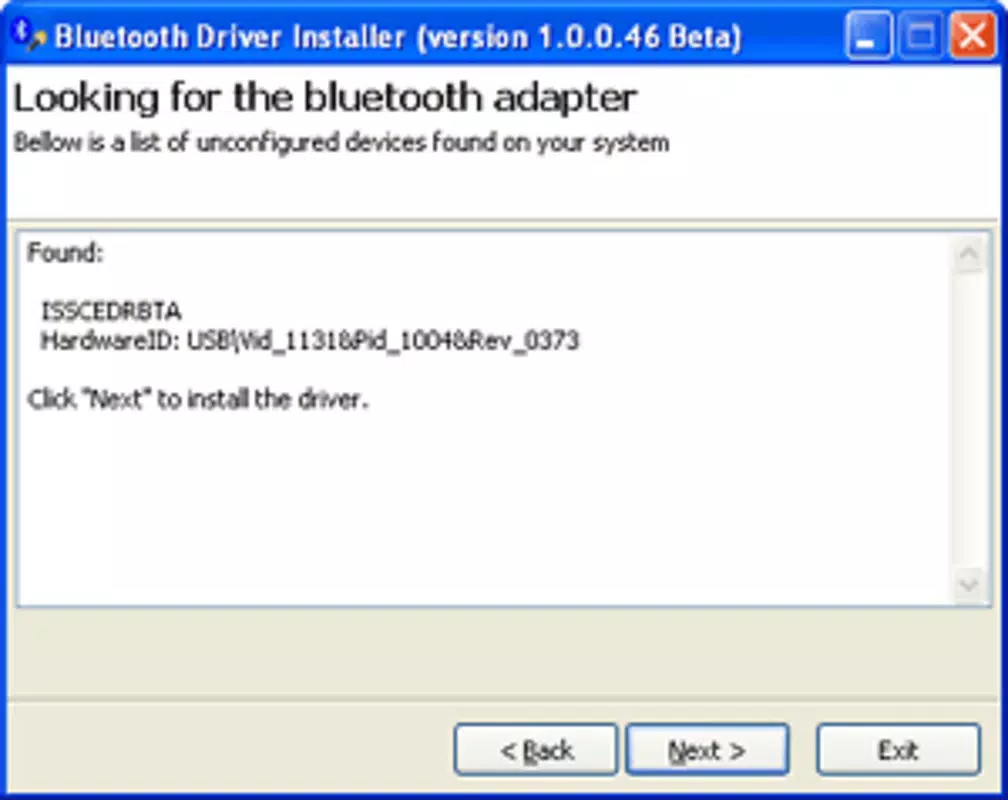
- Simple Three-Step Process: Guides users through a streamlined workflow to fix Bluetooth issues with minimal input.
- Lightweight Design: At just 3.1 MB, the app consumes minimal storage and system resources.
For example, a user with a Bluetooth headset that suddenly stops connecting can use the app to reinitialize the driver stack. After launching the tool, they would follow the three-step process—initiate scan, apply fix, confirm success—without needing to reboot or access developer settings. This makes it accessible even to non-technical users. Similarly, someone attempting to sync their smartphone with a car’s audio system could use the app to ensure the system recognizes the vehicle’s Bluetooth profile.
The backup feature is especially valuable in preventing irreversible system changes. If the driver update causes unexpected behavior, users can restore the previous state without requiring advanced tools or technical expertise. This safety mechanism enhances the app’s usability in real-world troubleshooting scenarios.
Interface, UX & Performance
The user interface of Bluetooth Driver Installer appears to be minimal and task-focused, aligning with its utility-driven purpose. With no visible navigation menus or complex layouts, the app likely presents a single-screen workflow optimized for immediate action. This design choice reduces cognitive load and supports rapid issue resolution.
Navigation is expected to be linear, guiding users through the three-step process: scan, apply fix, confirm. The absence of multiple options or settings suggests a streamlined experience, ideal for users under time pressure or unfamiliar with system-level operations. Visual feedback during each step—such as progress indicators or success messages—would enhance user confidence and reduce uncertainty.
Although the developer did not list formal performance metrics, the app’s small size of 3.1 MB suggests efficient resource usage. It is likely to run smoothly on a wide range of Android devices, including mid-tier and older models. Responsiveness is expected to be prompt, given the app’s limited scope and focus on a single function.
Stability is a key concern for system utilities. The app’s use of pre-change backups indicates an effort to maintain system integrity. While no crash reports or reliability statistics were provided, the design implies a cautious approach to system modifications, reducing the risk of instability.
Platform Compatibility & Technical Requirements
Bluetooth Driver Installer is available exclusively on the Android platform. It requires Android as the operating system, though specific version requirements were not listed. The app has a file size of 3.1 MB, making it suitable for devices with limited storage space.
The developer did not specify minimum OS requirements or device compatibility details. As such, users should verify whether their device meets the necessary conditions before installation. Compatibility information was not fully disclosed, so potential users are advised to ensure their Android version is up to date and supports Bluetooth functionality.
Pros and Cons
Pros
- Lightweight at only 3.1 MB, ideal for low-storage devices.
- Simple three-step process reduces user effort and technical barriers.
- Includes a system backup before changes, enhancing safety.
- Designed to work with most Bluetooth devices, increasing versatility.
- Free to download and use, with no in-app purchases or ads.
Cons
- Specific Android version requirements were not disclosed.
- Compatibility with certain device models was not confirmed.
- No official support channel or user documentation was provided.
- Performance on older or low-end devices was not tested or reported.
- Developer information is limited to a name, with no additional background.
FAQ
Is Bluetooth Driver Installer safe to use?
The app includes a pre-change backup system, which allows users to restore their device’s original state if issues occur. This feature enhances safety during system-level modifications.
Does the app require root access?
The developer did not specify whether root access is required. Users should exercise caution and avoid granting unnecessary permissions if not prompted.
Can I use this app on iOS devices?
Bluetooth Driver Installer is designed for Android only. It is not available on iOS platforms.
How often should I update the app?
Updates are recommended when new versions are released to ensure compatibility and security. The latest version is 1.2, released on July 4, 2023.
What should I do if the app doesn’t fix my Bluetooth issue?
If the app fails to resolve the problem, users may need to check their device’s Bluetooth settings, restart the device, or consult the manufacturer’s support resources.
Final Thoughts
Bluetooth Driver Installer offers a focused, no-frills solution for users struggling with Bluetooth connectivity on Android. Its lightweight design, safety-focused backup mechanism, and straightforward workflow make it a practical tool for quick troubleshooting. While the lack of detailed compatibility and system requirements limits transparency, the app’s core functionality remains clear and valuable.
It is best suited for users who need a rapid fix for Bluetooth pairing problems without diving into complex settings. The absence of ads and the free pricing model further enhance its appeal. For those facing persistent connection issues, this utility provides a low-risk entry point to restore functionality.
Download Bluetooth Driver Installer now


